








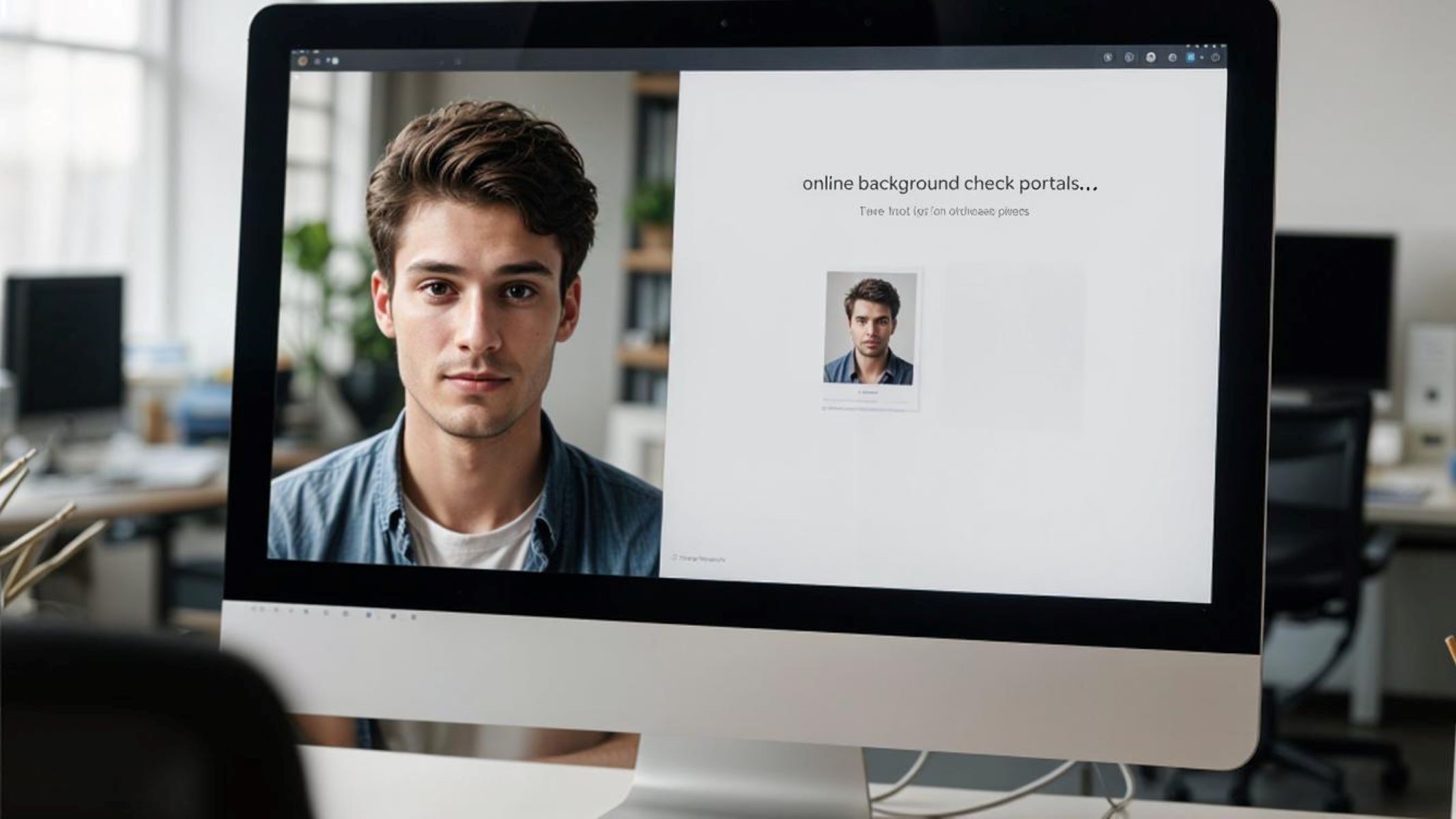
In today’s digital age, online background check portals have become a critical part of verifying identity and personal information. Whether you’re applying for a job, renting an apartment, or even dating online, these platforms often require a photo as part of their verification process. But have you ever wondered how to create the perfect photo that meets their standards? Let’s dive in!
What Are Online Background Check Portals
Online background check portals are digital platforms designed to collect, compile, and present various types of personal data about individuals. These platforms pull information from public records, government databases, and private sources to provide a comprehensive overview of someone’s background. This typically includes criminal history, employment records, credit scores, court records, and other relevant details. In the United States, these portals have become increasingly popular due to their ability to quickly and efficiently verify a person’s identity and history, saving time for employers, landlords, and even individuals themselves.
Why Photos Are Important in Background Checks
A clear and current photo is a vital component of any background check because it visually links the data to the individual. This connection helps organizations or individuals verify that the person being checked matches the identity in question. For example, an employer can confirm that the applicant is the same person in the criminal or employment records. Without a photo, this verification step is prone to error or confusion, especially in cases of common names or identity fraud.
Moreover, photos add an element of authenticity and trust. They prevent impersonation or misrepresentation by providing a real, visual proof of identity. When a background check includes a well-taken photo, it reduces the chances that someone could submit fake information or stolen identities to bypass the system. In today’s digital environment, where identity theft is a growing concern, photos help protect both the verifier and the person being verified by making the process more transparent and reliable.
The Role of Photos in Background Check Portals
Photos serve a fundamental purpose in online background check portals by enhancing the process of verifying an individual’s identity. Their role goes beyond just providing a picture—they act as a key tool that supports accuracy, security, and trust in the entire system. Below, we explore the main ways photos contribute to background checks and why they have become indispensable in these platforms.
Identification and Verification
Photos act as a visual ID, similar to official documents like passports or driver’s licenses. This visual element helps companies, landlords, or any party conducting a background check to confirm that the individual providing information is truly the person they claim to be. Without a photo, verification relies solely on text-based data such as names or birth dates, which can be duplicated or falsified.
- Photos enable quick and effective visual cross-checking.
- They help confirm identity when physical meetings or interviews take place.
- Visual verification minimizes errors caused by mistaken identity.
- Photos provide an instant impression of professionalism and seriousness.
By having a photo included in the background check portal, organizations reduce the risk of identity mismatches and enhance the overall reliability of their screening processes.
Enhancing Accuracy in Background Checks
One of the biggest challenges in background screening is ensuring the information corresponds exactly to the right individual. Many people share common names or similar personal details, which can lead to confusion or errors in reports. Photos provide a vital visual cue that clarifies who is who, reducing the chance of incorrect matches.
- Photos help differentiate individuals with identical or similar names.
- They reduce the likelihood of wrongful rejections or approvals.
- Visual confirmation adds an extra layer to textual and biometric data.
- It ensures records are attributed correctly to the person under review.
This means background check portals equipped with photos can deliver far more accurate results, making the process fairer and more dependable for everyone involved.
Avoiding Fraud and Misrepresentation
Fraudulent applications and identity theft are significant threats in today’s online verification world. Photos act as a barrier to these risks by requiring a real, recent image that corresponds with the person’s documents and information. This visual proof discourages individuals from submitting false or stolen identities to bypass background checks.
- Photos increase accountability and deter dishonest behavior.
- They allow easy detection of mismatched or altered identities.
- Visual data makes it harder to use fake documents or impersonate others.
- This verification layer builds confidence and trust among users of the system.
By integrating photos, background check portals enhance security and protect all parties from the damaging effects of fraud and misrepresentation.
Requirements for Photos in Background Check Portals
When submitting photos for online background check portals, meeting specific technical and aesthetic standards is crucial. These requirements ensure that the photo is clear, professional, and usable for identity verification. Poor-quality or non-compliant photos can cause delays or outright rejection of your application, so understanding these rules upfront is essential.
First, photo quality is a major factor. Most portals require high-resolution images, as blurry or pixelated photos are difficult to analyze and verify. A resolution of at least 600×600 pixels is usually the minimum, balancing clarity with file size. This ensures that facial features are visible and the photo looks professional, which is critical for accurate identity matching.
Accepted File Formats and Sizes
Another important consideration is the file format and size of the photo you upload. The most widely accepted formats are JPEG and PNG, as they offer good image quality while maintaining manageable file sizes. File size requirements typically range between 100 KB and 5 MB. Too small a file size can degrade image quality, while too large can slow down upload speeds or cause technical issues on the portal.
Choosing the right format and size helps ensure your photo uploads correctly without being compressed or distorted. It’s also a good practice to check the specific guidelines of each portal, as requirements may vary slightly depending on their platform or intended use.
Common Guidelines and Restrictions
Aside from technical specs, portals often have strict guidelines about what your photo should—and shouldn’t—include. For example:
| Requirement | Description | Why It Matters | Example |
| No hats or sunglasses | Face must be fully visible without obstructions | To avoid hiding key facial features | No baseball caps, no dark glasses |
| Neutral background | Plain, light-colored background preferred | Keeps focus on the face and looks professional | White, light gray, or beige walls |
| Face fully visible | Entire face centered and unobstructed | Essential for facial recognition accuracy | No hair covering eyes or mouth |
| Recent photo | Should reflect current appearance | Avoid confusion with outdated images | Photo taken within the last 6 months |
These restrictions help maintain the consistency and integrity of photos used for identity checks, improving the overall reliability of background verification.
How to Take the Perfect Photo for Background Check Portals
Getting the right photo for a background check portal might sound simple, but certain details make a big difference between a smooth approval and a rejected submission. The environment where you take the photo and how you present yourself are critical factors.
Choosing the Right Background and Lighting
The background you choose should be simple and non-distracting. White or light gray backgrounds are ideal because they help keep the focus squarely on your face. Busy or colorful backgrounds can take attention away and may even cause technical issues when the photo is analyzed by automated systems.
Lighting is just as important as the background. Natural light is the best option because it provides even illumination without harsh shadows. Taking your photo near a window during daylight hours can provide a soft, flattering light. Avoid direct sunlight, which can create glare, and steer clear of artificial lighting that produces uneven or overly bright spots.
Camera Settings and Angles
For the best results, position your camera at eye level. This angle offers the most natural and professional look, similar to a passport or driver’s license photo. Avoid extreme close-ups or shots taken from above or below, as these can distort facial features.
The ideal framing is a head-and-shoulders shot where your face is centered and occupies the majority of the frame without being cropped awkwardly. Make sure the photo is sharp and focused, with no blur or pixelation.
Dress Code and Presentation Tips
What you wear in the photo matters, too. Choose solid colors and avoid busy patterns or logos that can distract from your face. Business casual attire is typically recommended to maintain a professional appearance, especially if the photo is for employment background checks.
Facial expression should be neutral or feature a slight, natural smile. Overly forced or exaggerated expressions can seem unprofessional or insincere. The goal is to appear approachable yet serious—just like you’re presenting your best self for an important introduction.